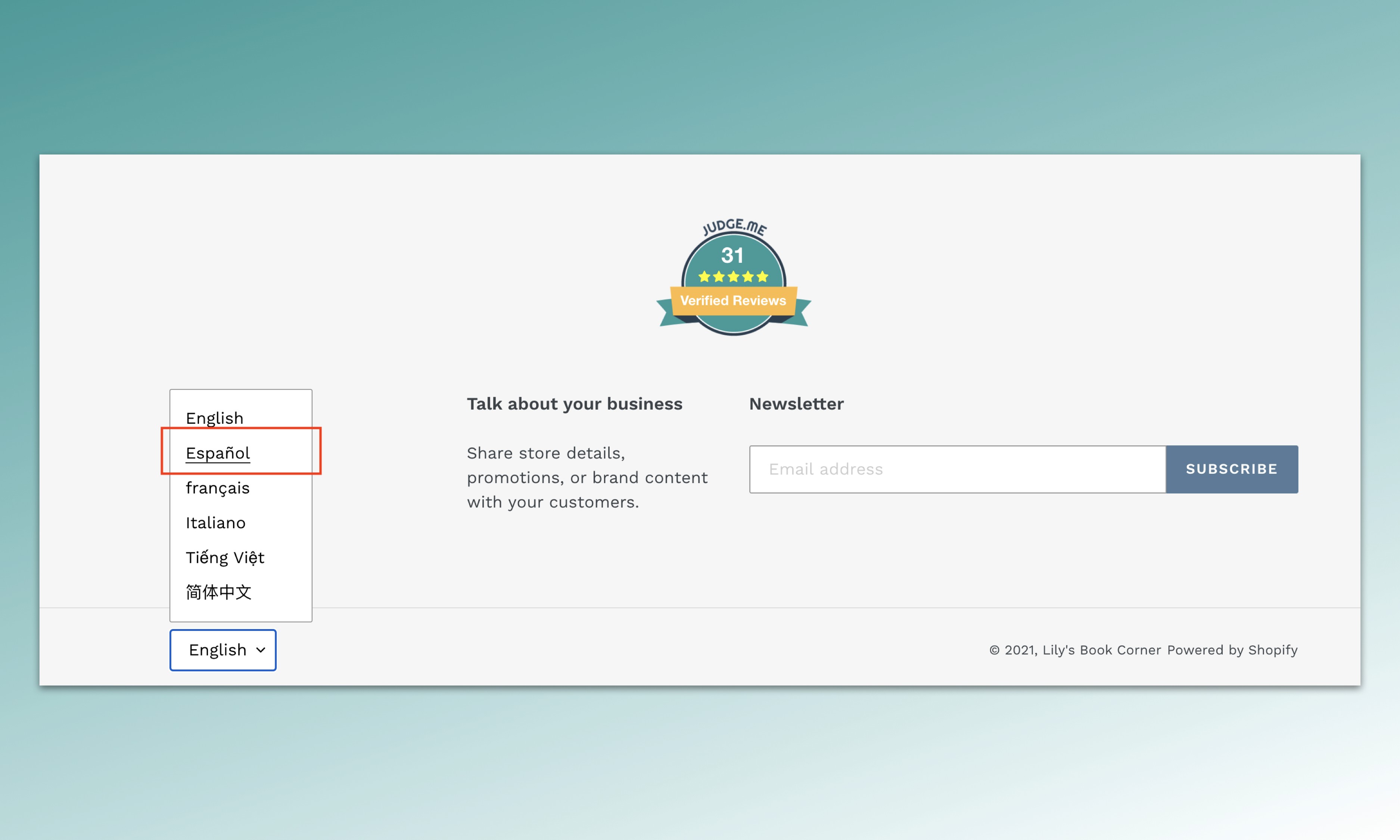
With the emergence of cross-border e-commerce, your products may get more attention from international buyers. If you are selling cross-border, having a multi-language store is the first step to reach more buyers and boost your sales. Customers enjoy reading content in their native languages. By translating your store into the languages of your target customers, you help them understand more about your products, shipping and return policies, and especially, your customer reviews section. If you have a Shopify multi-language store, you can display the your Judge.me's widget texts (titles, buttons, review form fields, etc.) in the store language that your visitors are using.
In this article, we'll outline three steps to help you activate the multi-language feature for your Judge.me widgets.
Step 1. Publish translated languages in Shopify
First, please make sure that you have added and published your Translated languages in your Shopify's Store languages settings. This helps us detect the locale of your store and display the correct languages of your Judge.me widgets (from our 35 supported languages). For example, if your store is translated into French, we'll change the widget text into French.